


Cursor knows my repo. Claude knows my architecture decisions. Now they both know, without me retyping it.
⌘Engineering · 4 tools synced
Memory Infrastructure For AI
Empirical is the personal memory layer that sits between you and every model. Save once. Your preferences, projects, voice, and decisions. Then recall them in ChatGPT, Claude, Cursor, and anything else you open tomorrow.
Start tracking right away:
Memories
—
Queries
—
Synced to
7 tools
Last saved
just now
Speaks MCP. Works wherever you do.
The problem worth solving
You've explained your project to ChatGPT this week. And to Claude. And to Cursor. Empirical is one memory layer, so you only ever tell it once.
How it works
Capture context once. Empirical structures it, ranks it, and serves the right slice to whichever AI you are talking to. Automatically, on the fly.
Drop notes, paste chats, or let Empirical watch the tools you already use. It pulls the signal: projects, preferences, decisions, voice. Without the noise.
MCP server, REST API, and CLI. Your data stays secure and exportable.
Memories are organized into a personal graph (semantic, episodic, and procedural), so the right slice is always one query away.
Auto-deduplicated, versioned, and ranked by recency × relevance × intent.
When you talk to any model, Empirical injects exactly what is relevant. No copy-pasting backstory, no re-explaining yourself for the hundredth time.
Triggered server-side via MCP, or directly through the Empirical CLI.
Export, delete, or move your memory between vendors any time. It is yours. Not OpenAI's. Not Anthropic's. Switch models without losing yourself.
Stored securely, never sold or shared. Open formats. SOC 2 in progress.
Built for the way you actually work
One memory across supported surfaces: ChatGPT, Claude, Cursor, Copilot, Codex, and your terminal. All read the same context graph.
Separate work from personal. Switch projects with one toggle. The right model gets the right slice. Nothing more.
Export everything as JSON. Stored securely, never sold or shared. No vendor can lock you in.
Empirical understands that the you from six months ago is different from the you today. Recent context wins by default.
See exactly what was injected into every conversation. Approve, redact, or rewrite. Memory you can inspect is memory you can trust.
MCP server, REST API, and CLI. Bring Empirical into supported agents and pipelines with the documented OAuth flows.
Who uses Empirical
Cursor knows my repo. Claude knows my architecture decisions. Now they both know, without me retyping it.
Empirical gave me a separate memory layer when ChatGPT's built-in memory became unreliable. For long-running continuity work, that extra memory has been more than useful—it has been a blessing.
My notes, papers, and chat history are one searchable brain. I ask it questions a year later. It answers.
Product roadmap
Vote on the product ideas that should move first, or submit the next workflow you want Empirical to handle.
View all ideas →No ideas submitted yet. Be the first to post one.
From the build
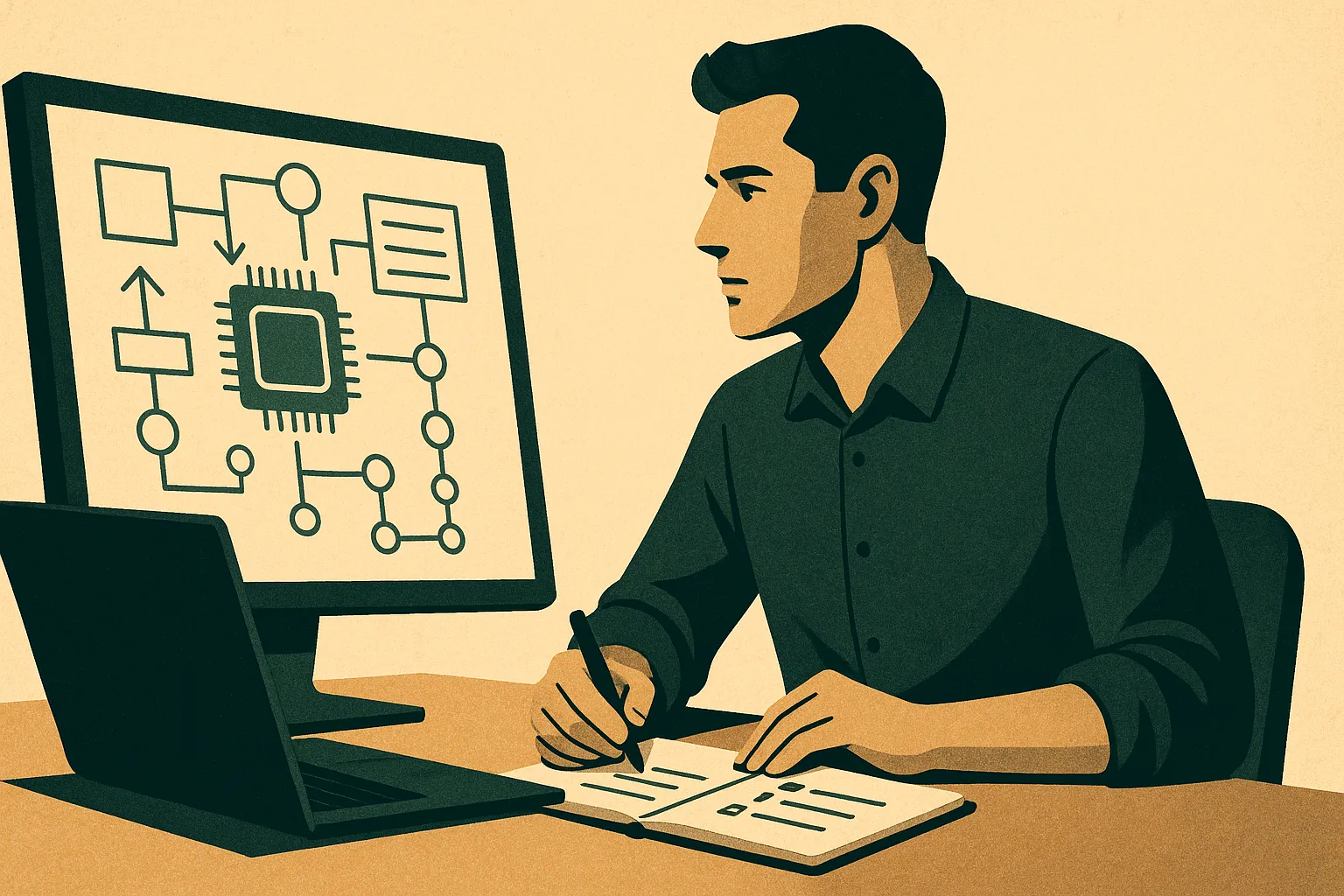
A canned memory graph made your assistant sound like a template. The new guided setups interview you, branch on what you say, and turn the transcript into real memories your assistant uses from the first question you ask.

Installing Empirical should feel like choosing where you want memory to work, not like learning the internals of an integration stack.

The memory layer is getting smaller, clearer, and more useful: one core skill, plus optional tools for work history, hard-earned lessons, and project follow-ups.
From the blog
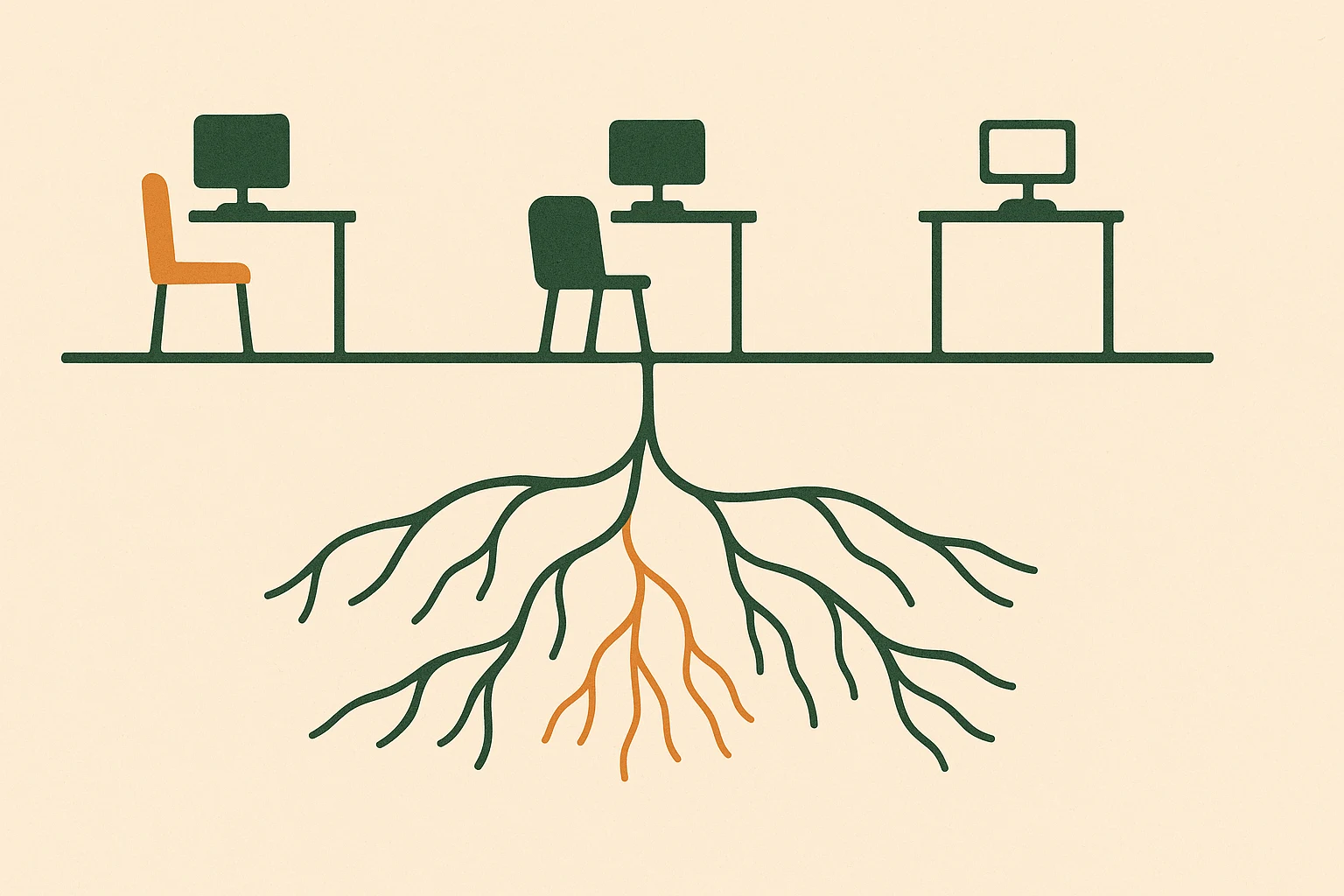
Every agent in a pipeline starts from zero unless something manually threads context between them. Salesforce measured what that actually costs, and it is not small.
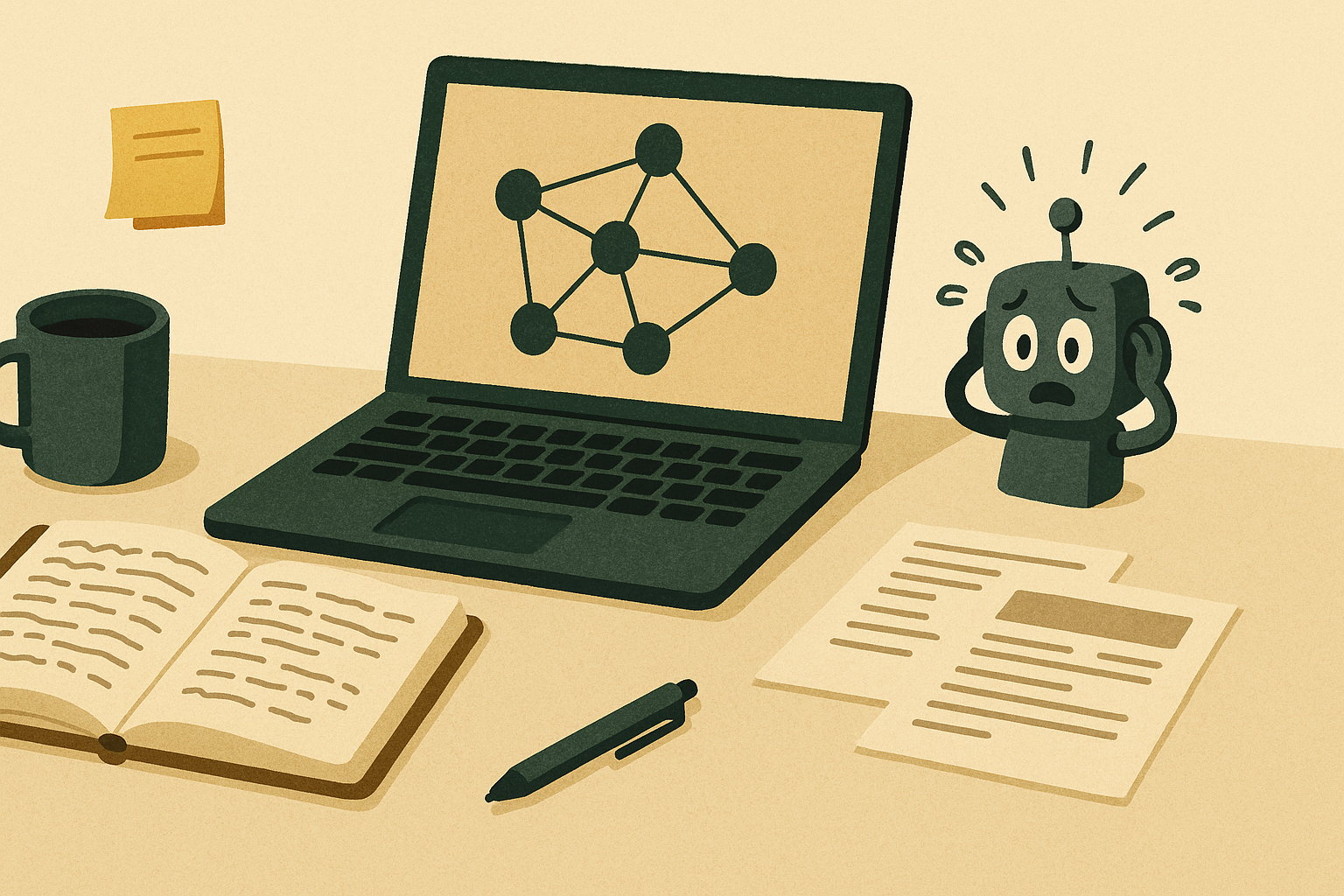
If you already spent years capturing ideas, decisions, research, and notes, you should not have to re-explain all of it every time you open a new AI chat.
The dangerous part was not that AI wrote code quickly. It was how easy it became to forget which shortcuts were only safe while the app was still a toy.
Ready when you are
Free to start · No credit card · Export any time